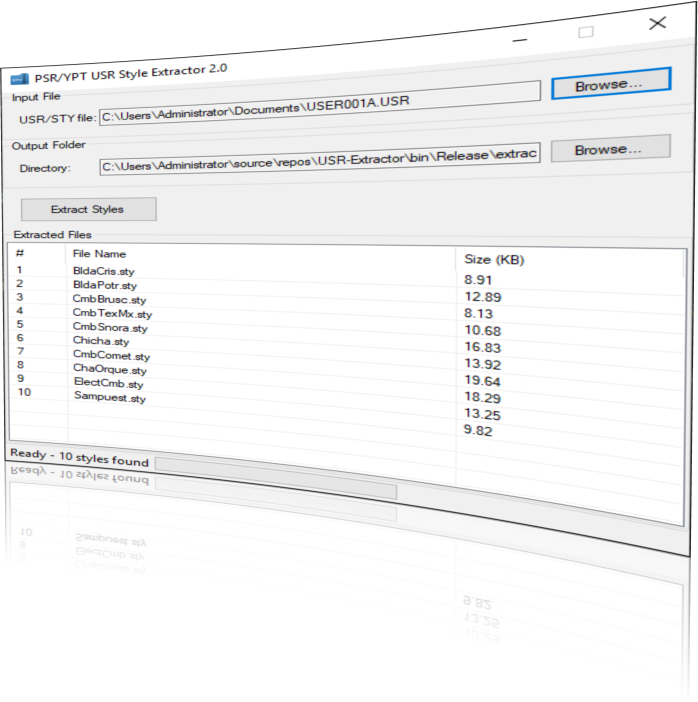
Download Style File Extractor
Latest Version: v2.0
Download PSR-YPT USR Style Extractor v2.0.zip
Free utility for Windows users
What is the Style File Extractor?
PSR/YPT USR Style Extractor is a specialized software tool that unlocks and organizes the custom styles from your Yamaha PSR-E and YPT series keyboards. If you've ever struggled with managing the bundled style files in Yamaha USR files, this tool is your solution.
Extract & Organize
Separate bundled USR files into individual STY files for better organization and management.
Backup & Protect
Safeguard your custom styles by extracting them as individual files you can easily backup.
Keyboard Ready
Extracted STY files are ready to be loaded back onto your compatible Yamaha keyboard.
Preview & Identify
See both display names and internal file names before extraction for better organization.
The application reads Yamaha USR files (user files exported from PSR-E keyboards) and extracts the individual STY files (style files) contained within them. Each USR file can contain multiple styles, and this tool separates them into individual files that can be loaded back onto your keyboard or organized on your computer.
Compatibility & Requirements
Confirmed Keyboard Compatibility
System Requirements
- Compatible with Windows 7, Windows 10, and Windows 11
- Important Note: Do not remove or modify the _internal folder included with the application
Application Interface
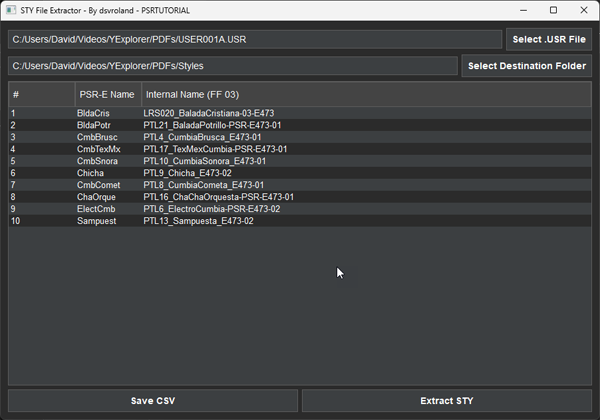
The clean, user-friendly interface makes extracting style files a simple process with just a few clicks.
How to Use the Style File Extractor
Quick Tip
The tool includes intelligent file naming: if a file with the same name already exists in the destination folder, it will automatically append a number to prevent overwriting (for example: Bolero.sty, Bolero_1.sty, Bolero_2.sty, etc.).
Step 1: Launch the Application
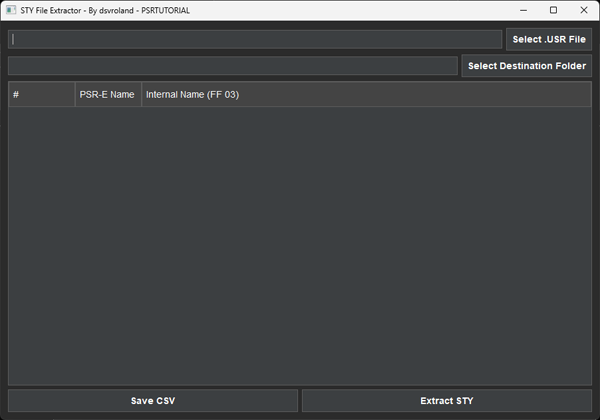
After downloading and extracting the ZIP file, locate and double-click on STYExtractor.exe to launch the application.
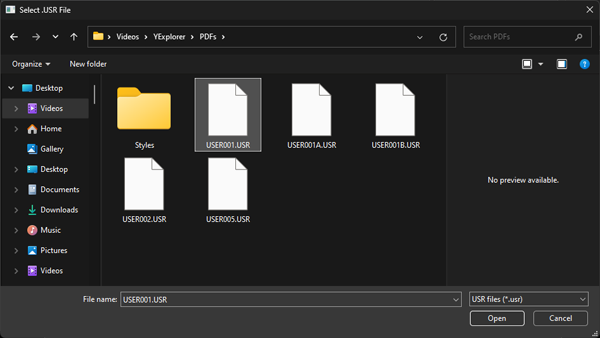
Step 2: Select Your USR File
Click the "Select .USR File" button and navigate to the USR file you exported from your Yamaha keyboard. This file typically contains multiple style files bundled together.
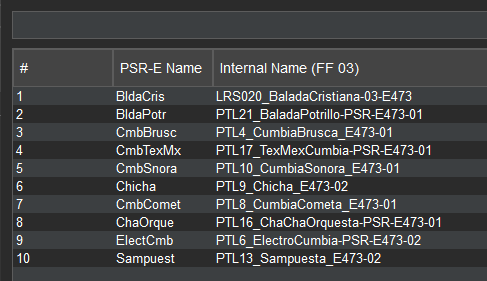
Once selected, the application will automatically scan the file and display a preview of up to 10 styles contained within, showing both:
- The PSR-E Display Name (how it appears on your keyboard)
- The Internal Name (the actual filename used by the system)
Step 3: Choose Output Destination
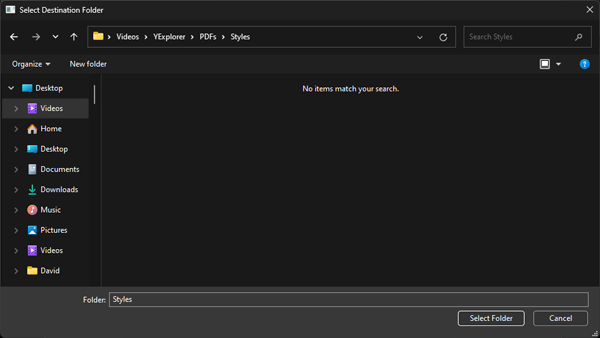
Click the "Select Destination Folder" button to choose where you want to save the extracted STY files. Select an easily accessible folder where you typically store your keyboard styles.
Step 4: Export Style List (Optional)
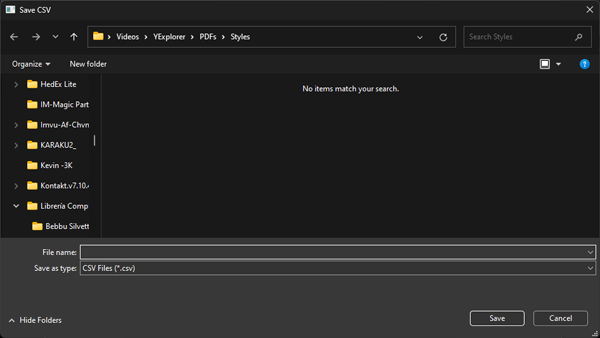
For documentation or organizational purposes, you can click "Save CSV" to export the list of styles as a CSV file. This creates a spreadsheet-compatible record of all styles in your USR file.
Step 5: Extract Your Styles
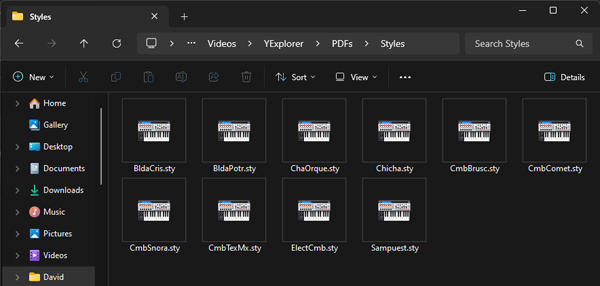
Click the "Extract STY" button to begin the extraction process. The application will save all STY files from the USR container to your selected destination folder.
Related Resources
Expand your Yamaha keyboard capabilities with these additional tools and resources:
- Style Dump Utility - Comprehensive style management tool
- Style Utilities by Jorgen Sorensen - Additional style manipulation tools
- MixMaster Download - Advanced style mixing
- Premium Style Files - Download new Styles for Yamaha arrangers
- David Sebastian's Tools Collection - All utilities by this developer